
No spoilers here
How to play
For someone who has just downloaded the game: what it is, how to start it, the controls, the menu and where your saves go. All of it is also in the manual (PDF), to read offline or print.
The game
Fantastic Dizzy is an arcade adventure: Dizzy walks, jumps and somersaults across a world that scrolls as he goes, from the treetops of the Yolkfolk's village to the sea bed and up into the clouds. He can carry three things at once, picks things up, puts them down and uses them where they're needed, and talks to the people he meets. Most of them want something first. Magic stars lie everywhere, and every one of the 250 is needed in the end.
This unofficial fan-game remake plays exactly as the Mega Drive cartridge does, and adds a pause menu, save slots, controllers, rebinding and an optional CRT look. The finer rules: how the game works.
Starting the game
Unpack the package and start the game: dizzy.exe on Windows, Fantastic Dizzy on macOS, dizzy on Linux. Everything the game needs is inside the program. It starts fullscreen (F11 or Alt+Enter switches to a window).
The game starts on its language menu (English, French, German, Spanish or Italian: Up and Down, then Start, which is Return), then the title screen and the story. Press Start (Return) to go on each time.
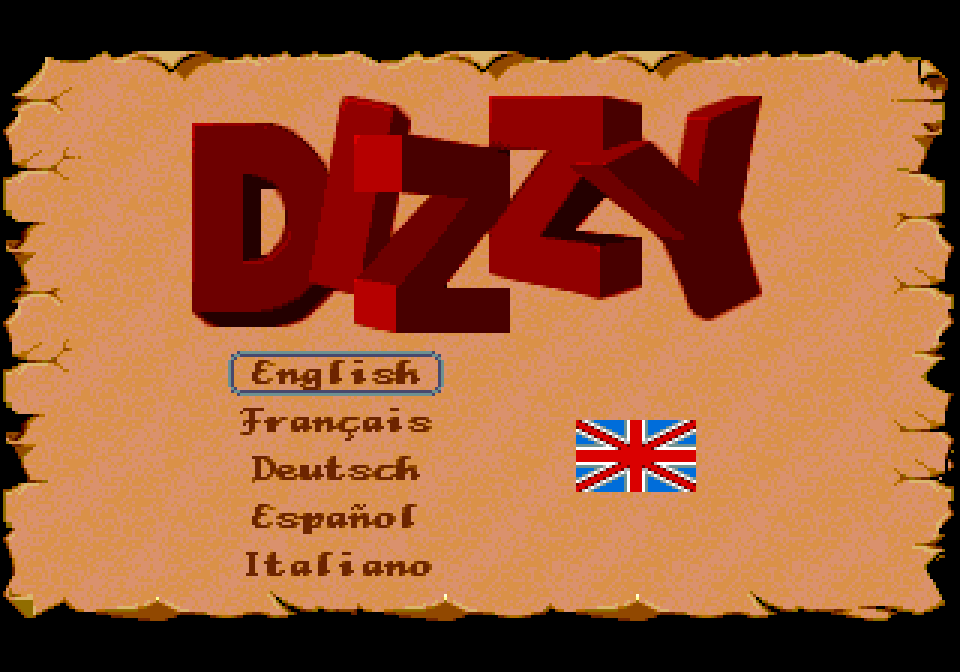 The language menu
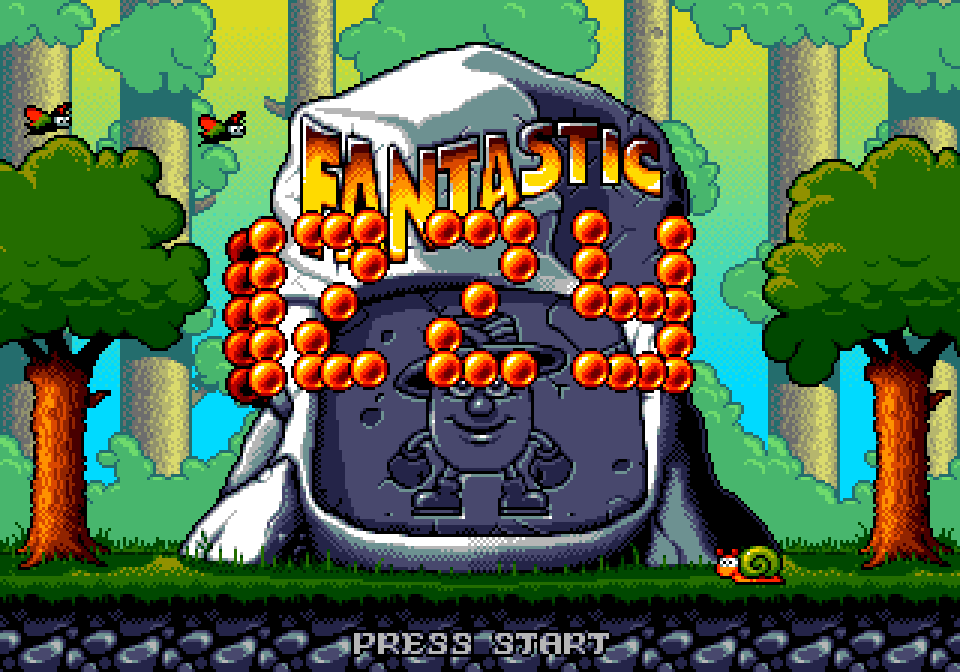 The title screen
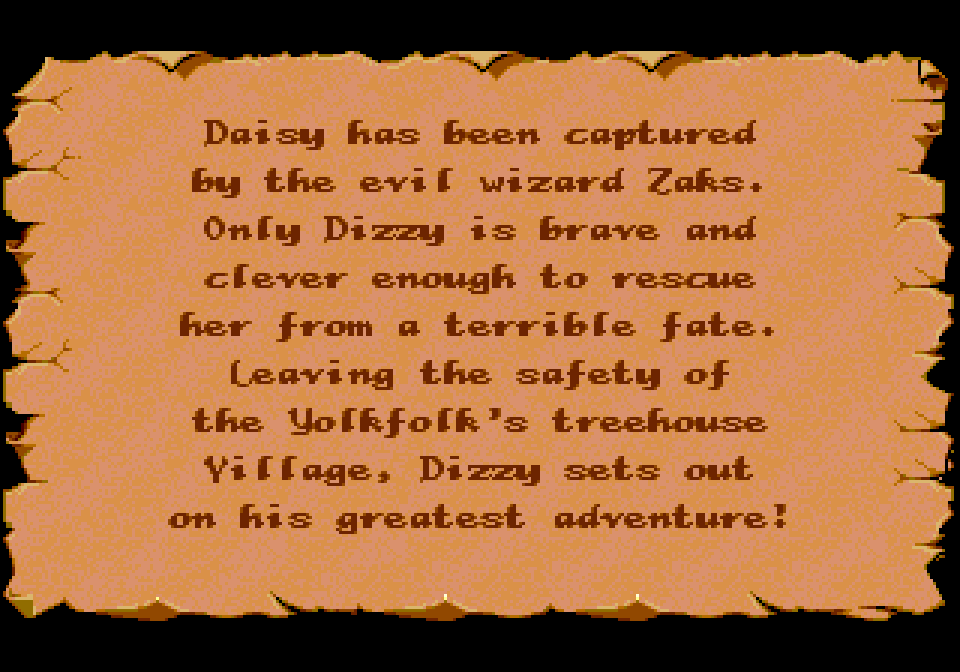 The story
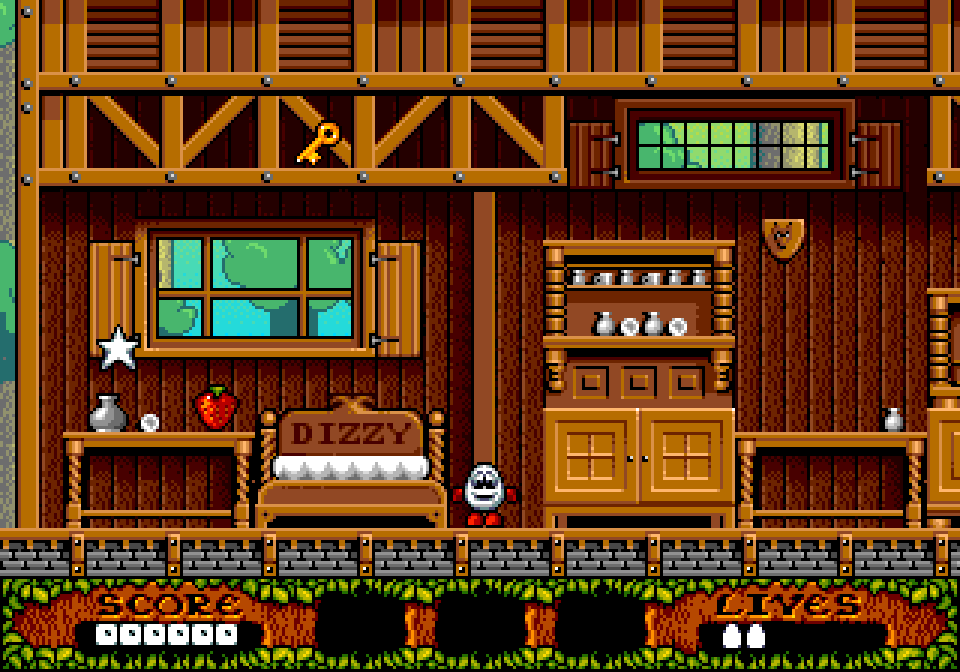 Dizzy's hut: the game begins
The first time on Windows or macOS, the system may warn about an unsigned program: the download page says how to get past it.
Controls
| Keyboard | Controller | |
|---|---|---|
| Walk, climb, look | Arrow keys | D-pad or left stick |
| Jump | Space or C | A |
| Pick up, drop, use, talk | X | B |
| The inventory | Z | X |
| The game's own Start (menus, title, story) | Return | View (Menu in the menus and the title) |
| Pause menu | Esc | Menu |
| Quick save / quick load | F5 / F8 | – |
| Screenshot | F1 | – |
| Fullscreen | F11, Alt+Enter | – |
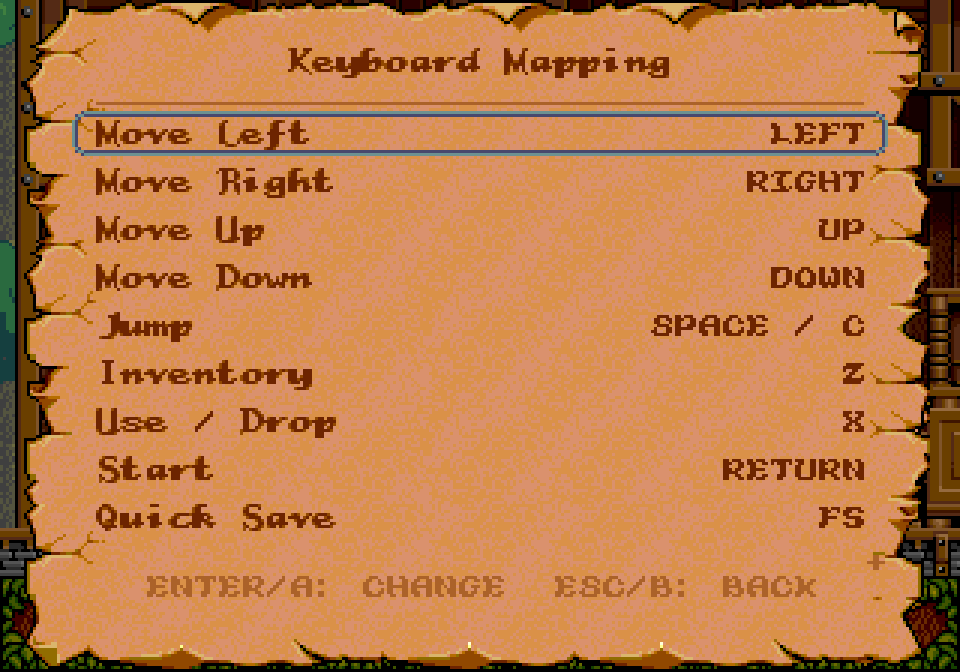
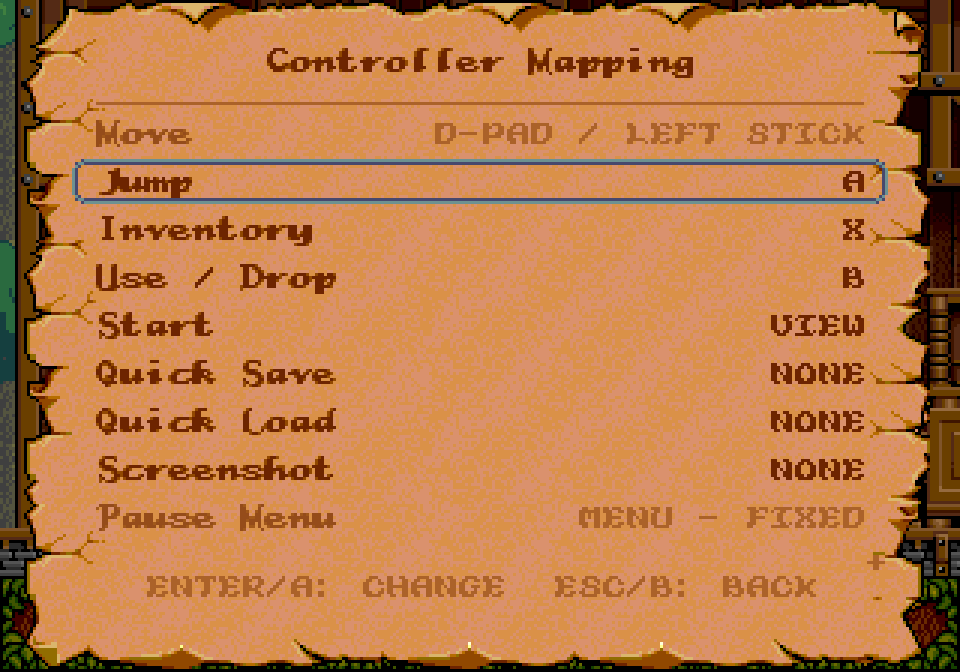
Every key and button except the menu ones can be changed in the pause menu. The hints the game shows (the controller in the treehouse and on the help screen) point at the buttons you have bound.
The screen and the status screen
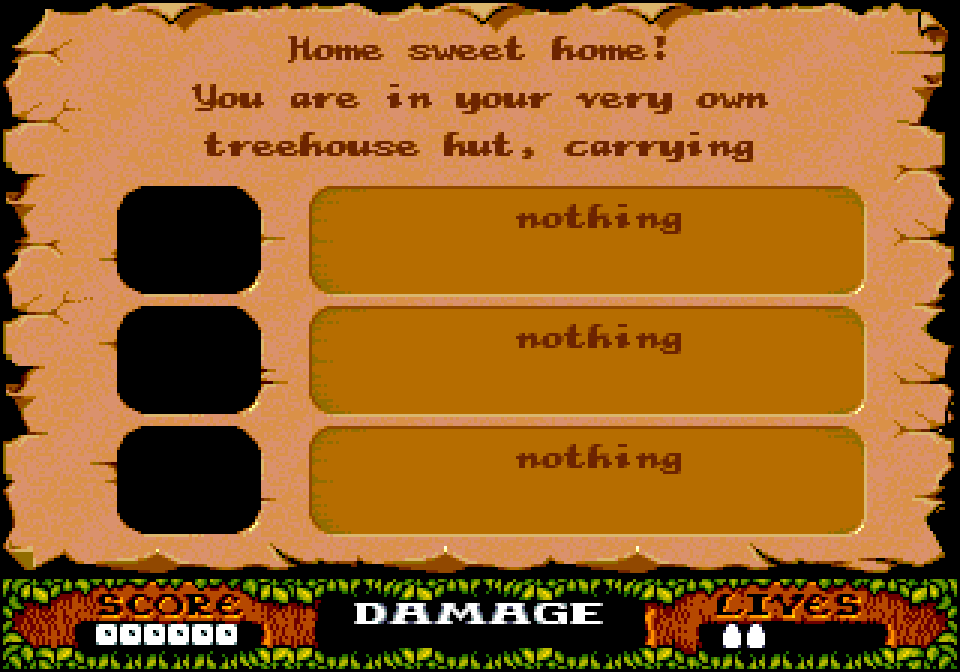
The panel at the bottom shows the score on the left and Dizzy's lives on the right; between them, the three things he carries. When he gets hurt, the energy bar takes the middle (DAMAGE). The number of stars still to find shows when Dizzy takes one.
The inventory button (A on the pad, Z on the keyboard) opens the status screen: where Dizzy is, in a sentence, and the names of the three things he carries, newest at the top. The name of a thing is often the best hint there is. Any button goes back.
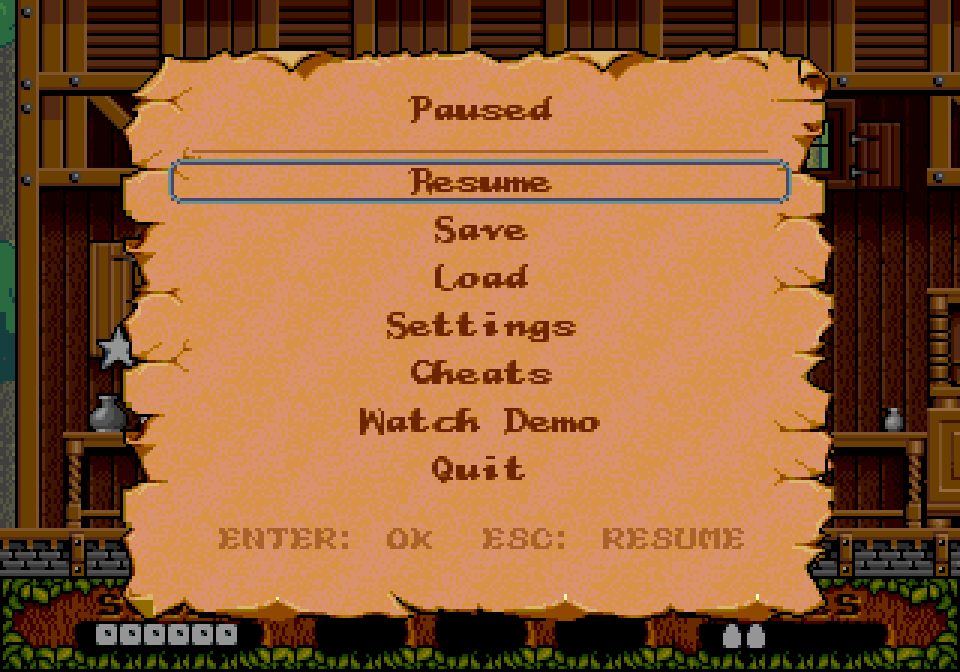
The pause menu
- Resume.
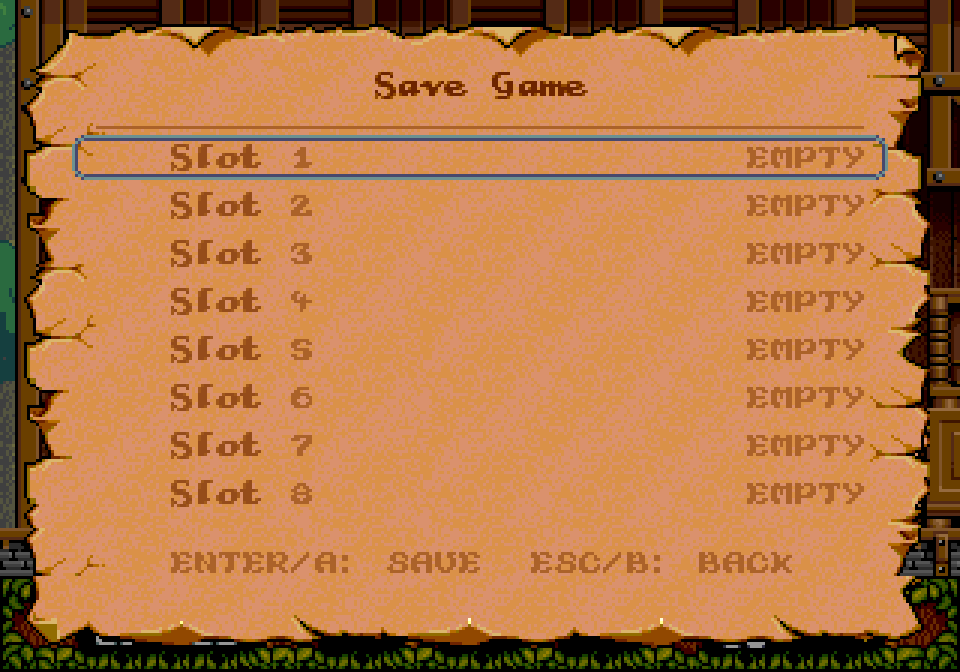
- Save: eight slots, each with a picture and the time saved. Saving over a slot asks first.
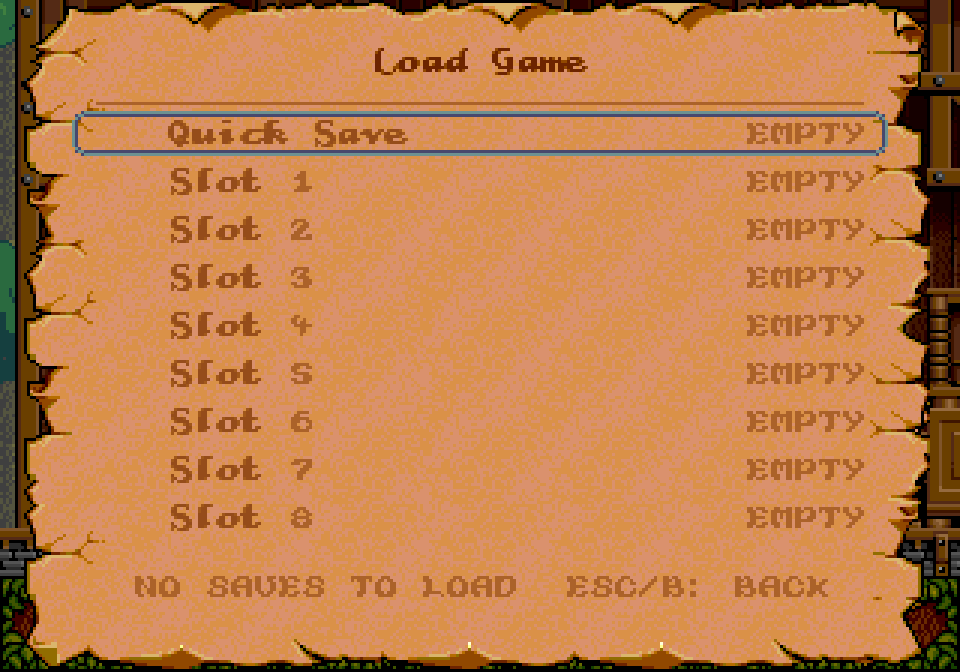
- Load: the eight slots and the quick save; the newest is selected.
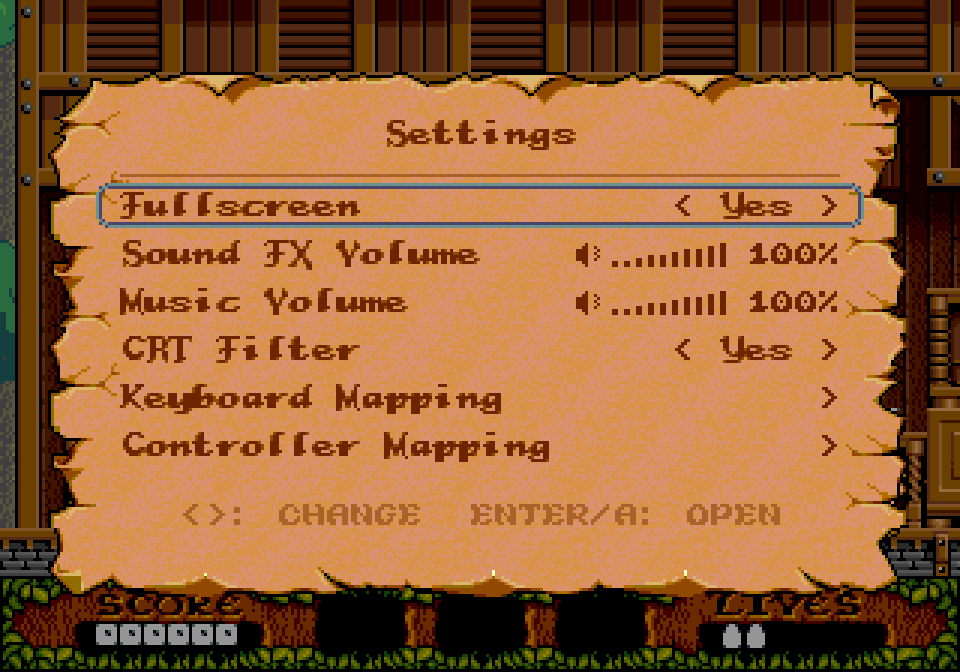
- Settings: fullscreen; sound effect and music volume; the CRT effect; keyboard and controller mapping, each with Restore defaults.
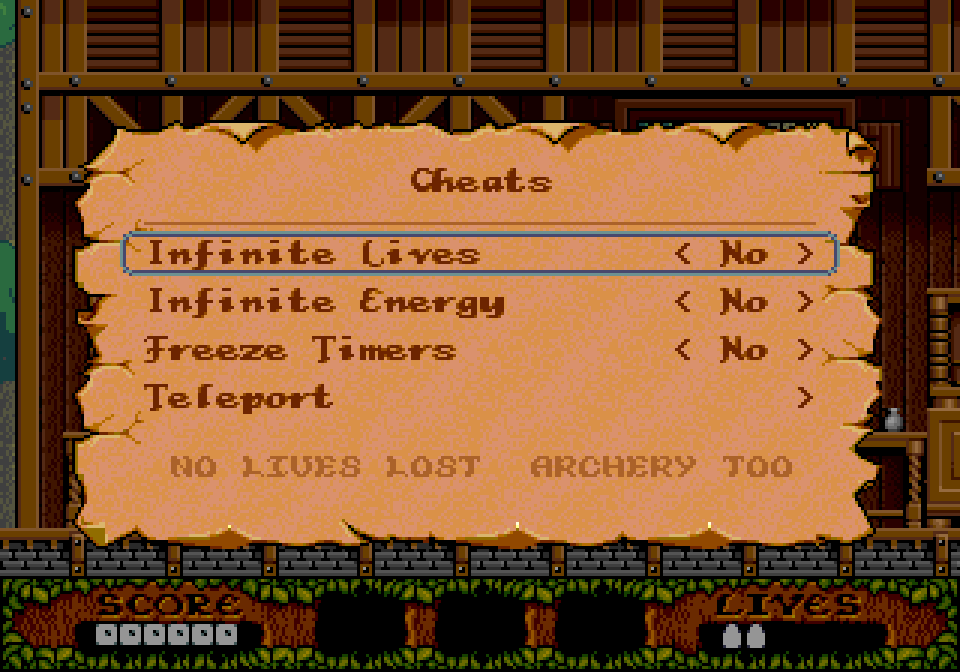
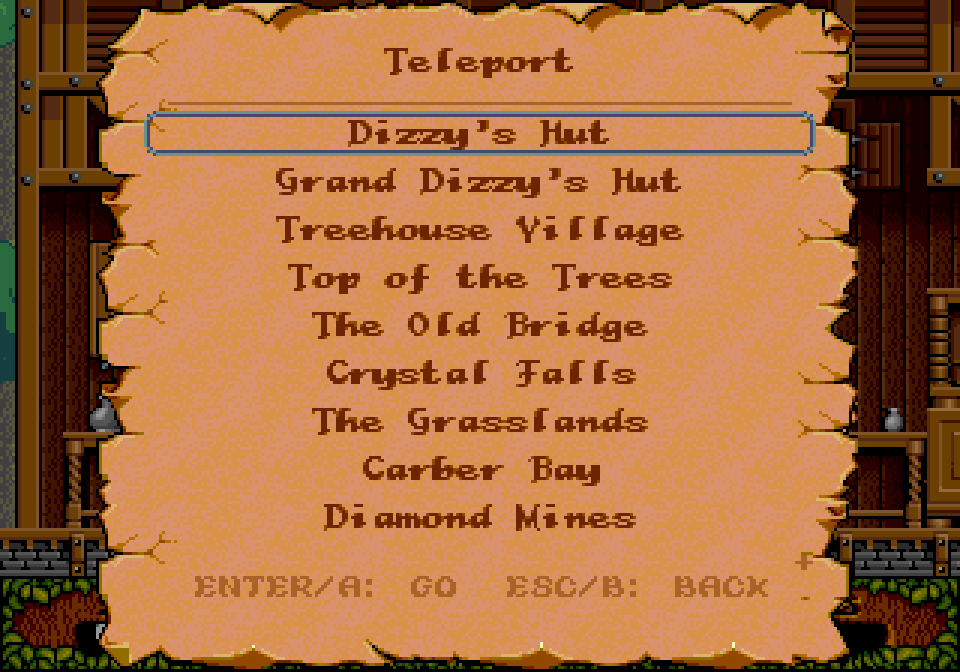
- Cheats: infinite lives, infinite energy, frozen timers, and a teleport to the main places (off at every start).
- Watch demo: Dizzy plays the whole game by himself, every star, from a new game (in a game it asks first: that game is lost). Left / Right change the speed (0.5x, 1x, 2x, 4x, 8x; the sound plays at 1x), Start takes over and the game is yours from there, Esc asks whether to leave for the title. The demo plays in English.
- Quit: back to the title (it asks first).
Up / Down choose, Left / Right change a setting, Return or A confirms, Esc or B goes back. The menu follows the language chosen at the start.
Where your files are
Settings, saves, screenshots and logs are kept in your user folder:
- Windows:
%APPDATA%\Codemasters\FantasticDizzy\ - macOS:
~/Library/Application Support/Codemasters/FantasticDizzy/ - Linux:
~/.local/share/Codemasters/FantasticDizzy/
settings.json, quicksave.json, saves/slot_1.json … slot_8.json (each with a .png picture), screenshots/, dizzy.log (the last run's log), errors.log (anything that went wrong) and recordings/ (the input of each game played, so a problem can be reproduced).
FAQ
There's no CRT option, or the picture is plainly scaled
The CRT look and the sharp scaling need OpenGL 3.2. Without it the game runs with plain scaling. Updating the graphics driver usually helps.
Windows or macOS won't open the game
It isn't signed with a paid certificate, so the first time your system is wary of it. On Windows choose More info → Run anyway; on macOS System Settings → Privacy & Security → Open Anyway. You only have to do it once. Step by step: if your system won't open the game.
My controller does nothing
Most controllers work (Xbox, PlayStation and most others). Check that the system sees it, then look at the mapping in Settings → Controller mapping; Restore defaults puts it back.
Where are my saves?
In your user folder: see where your files are.
Can I make it easier?
Yes: the pause menu's Cheats has infinite lives, infinite energy, frozen timers and a teleport (they're off at every start). And the hints give a nudge at a time, if you're stuck.
Is this the official game?
No. It's an unofficial fan-game remake, not affiliated with or endorsed by Codemasters, who published Fantastic Dizzy. More: the remake.